Kubuntu 26.10 beta: test Stonking Stingray now
The mandatory beta is on cdimage. Here is how to test it without risking your daily machine, and how to file a bug someone can actually fix. Episode 24 walks the same steps.
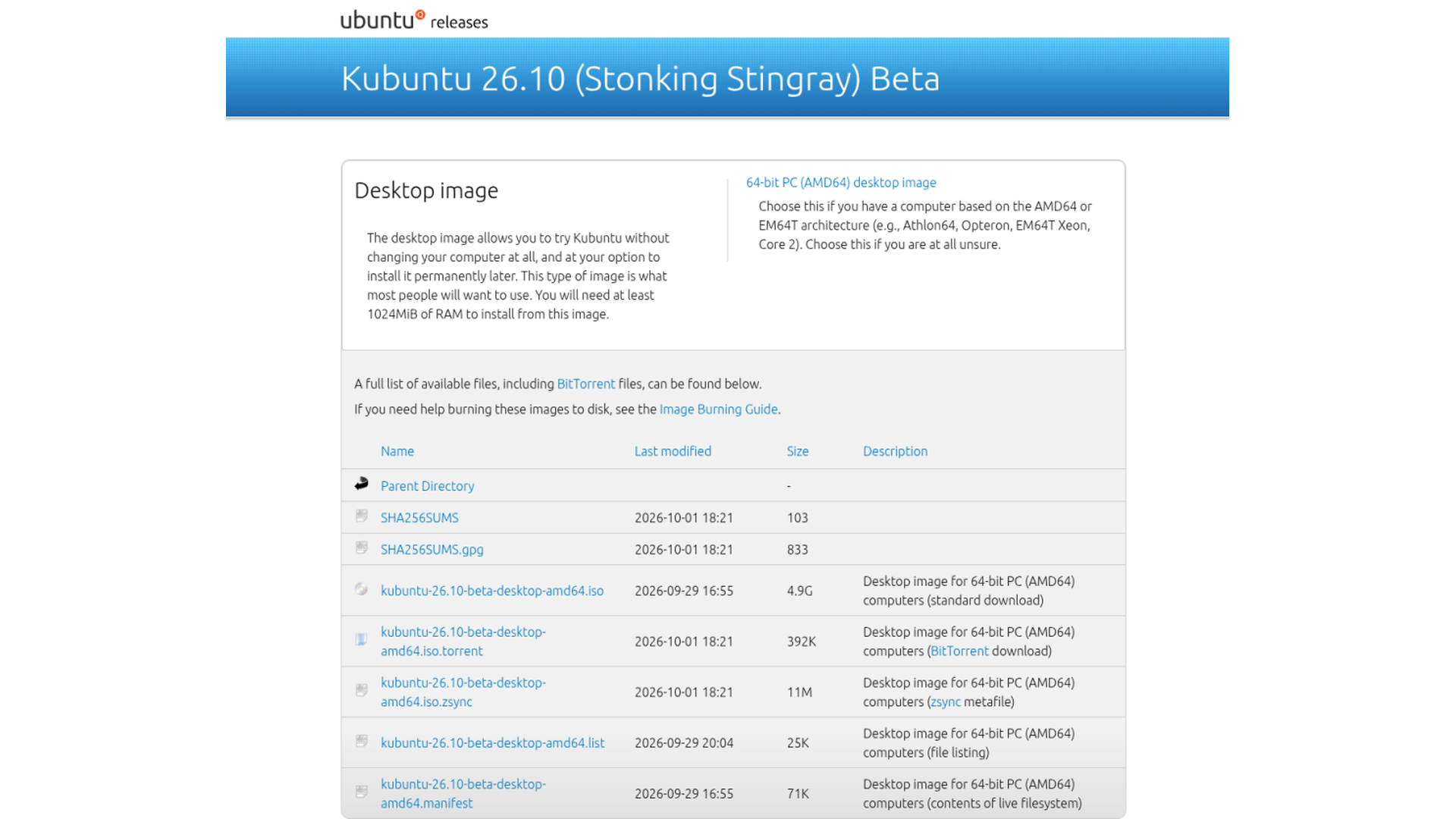
The beta is the one to break
Kubuntu 26.10 is in beta. The codename is Stonking Stingray. Feature freeze was 20 August. User interface freeze was 10 September. The mandatory beta was scheduled for 24 September and landed on 1 October. Final freeze is 8 October. Final release is 15 October.
The image is the Kubuntu 26.10 beta directory on cdimage:
https://cdimage.ubuntu.com/kubuntu/releases/26.10/beta/
A daily live image is there too if you want something even fresher than the beta snapshot. Either way, boot it in a virtual machine or on a spare machine. Do not point the installer at the disk you use for work. Click through Install, use the desktop, and write down what fails. The point of a beta is to find the breaks while there is still a week to fix them.
File one problem, properly
A useful bug report is one problem, with the exact steps that produced it. If the interface is wrong, attach a Spectacle screenshot. Plasma bugs go to bugs.kde.org. Packaging and ISO bugs go to Launchpad, against Ubuntu or Kubuntu. Include the version string from About this System. A note that only says “it crashed” will sit there. A note that says what you clicked, what you expected, and what the machine did gets fixed.
Update Chrome before you blame Plasma
This is separate from the beta, and it is still worth doing before a test install. A mid-September Chromium 154 update wrote bad data into the fontconfig cache. KDE applications, including plasmashell, crashed on that cache — sometimes in a loop after a reboot. Google has shipped a fix. Update Chrome or Chromium first.
If the desktop is still broken, switch to a text login with Ctrl+Alt+F3 and run:
rm -rf ~/.cache/fontconfig
fc-cache -r
Then reboot. Several people found that deleting the folder on its own was not enough. Rebuilding the cache is what made the fix stick. Thanks to maparillo on the Kubuntu subreddit for the original thread.
Overview, then Tokodon
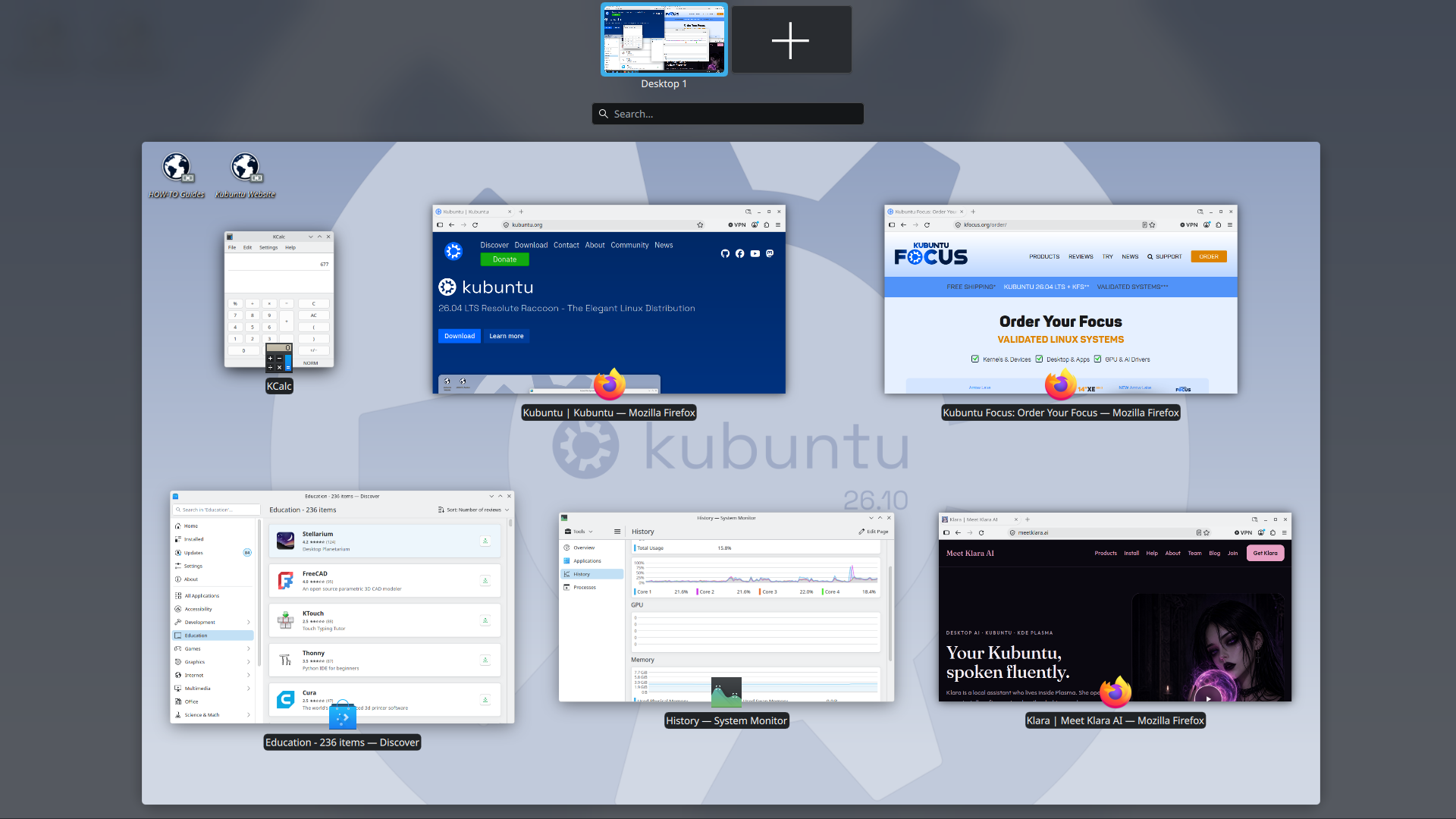
On this 26.10 beta, Plasma Overview is Meta+W. Meta is the key with the Windows logo. Meta on its own is not the shortcut. Press Meta+W and every open window appears as a thumbnail. Click the one you want. On a busy test desktop that is faster than hunting the panel.
Discover Hot Pick: Tokodon, the official KDE Mastodon client. Search Tokodon in Discover, install it, and sign in. The Kubuntu account is @kubuntu@mastodon.social.
Next time: what actually landed after beta, Plasma tip number two (Virtual Desktops), and 26.10 as it hardens toward 15 October.
Sources: 26.10 beta ISO · 26.10 schedule · bugs.kde.org · Tokodon · fontconfig thread · Episode 24 on YouTube